
This manual introduces how to use the camera to take photos and videos, as well as how to transfer photos and videos to a computer.
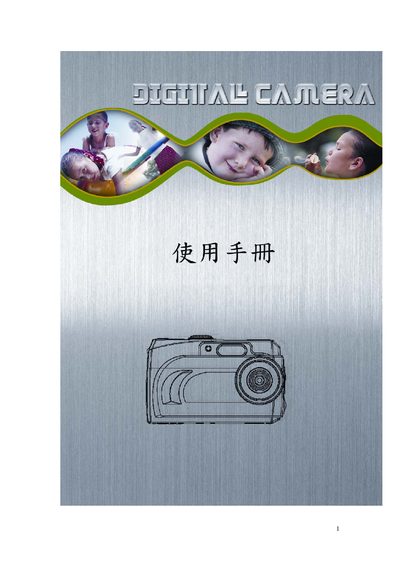
The user manual explains how to set up, operate, and maintain the digital camera. It covers basic functions, image capture settings, and how to connect the camera to a computer.
Additional sections describe supported file formats, storage media, video recording options, and common error messages with steps to resolve them.
| Image sensor resolution | 2048 x 1536 |
|---|---|
| LCD display | 1.5" TFT LCD |
| Flash memory | 16 MB |
| Dimensions | 95 mm x 61 mm x 32.5 mm |
| Video resolution and frame rate | VGA (640×480) @ 11 fps |
| Supported video output standards | NTSC / PAL |
| Operating system compatibility | Windows 98 SE, 2000, ME, XP |
The camera can capture images up to 2048 × 1536 pixels.
Video can be recorded at VGA (640 × 480) resolution at 11 fps.
The camera measures 95 mm × 61 mm × 32.5 mm and weighs about 96 g.