
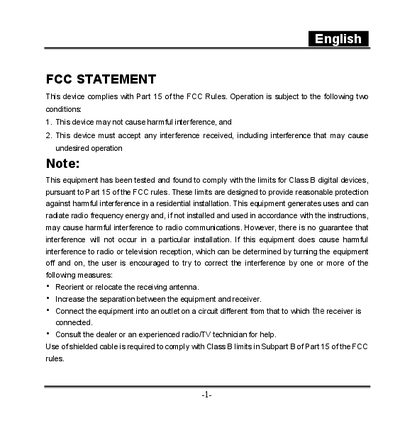
fcc statement
This manual covers important safety information, handling precautions, and warranty notes for the Genius digital camera. It explains how to install batteries or an AC adapter, insert an SD memory card, and avoid conditions that could cause fire or electric shock.
The guide walks you through basic operation, including mode selection, zoom, flash, self‑timer, and video recording. It also details how to transfer images to a computer, install the supplied software, and use the various menu options. A full specification table is provided at the end of the document.
| Image sensor | 11.8" CCD |
|---|---|
| Maximum still image resolution | 2304 x 1728 |
| Lens focal length | 7.8 mm – 23.44 mm |
| LCD monitor | 1.6" color TFT |
| Power source | 2 x AA Alkaline, 2 x AA Ni‑MH, or AC adapter |
| Dimensions (W×H×D) | 95 x 64 x 36 mm |
| Weight | Approx. 180 g |
The camera can be powered by 2 AA Alkaline batteries, 2 AA Ni‑MH batteries, or an AC power adapter.
The camera supports SD memory cards up to 256 MB capacity.
It can capture still images at up to 2304 × 1728 pixels.