
This document is the instruction manual for the Genius G400s camera, which mainly introduces the function characteristics, operation methods, and usage precautions of this product.
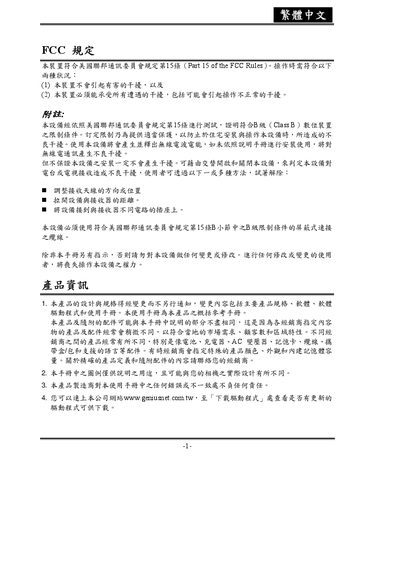
This manual begins with safety and regulatory information required by FCC Part 15, describing how to avoid harmful emissions and prevent fire hazards when using the camera. It also explains proper battery installation, polarity, and handling to ensure safe operation.
The guide then details camera features such as LCD display, shooting modes, auto‑flash, SD‑card management, USB connectivity, and software installation (Photo Explorer/Photo Express). A troubleshooting section at the end lists common problems and corrective actions. This manual is written in Chinese.
| Image sensor resolution | 2304 × 1728 |
|---|---|
| LCD size | 1.8 inches |
| LCD magnification | 1‑3× |
| Internal memory | 12 MB |
| Supported battery types | AA (2 cells) |
Select the format option in the camera’s menu; this will erase all data on the SD card and prepare it for new recordings.