
This document contains information about the features and characteristics of the product.
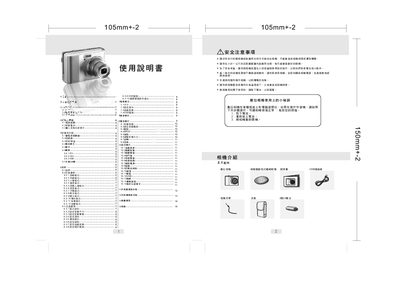
This manual provides safety guidelines and basic handling instructions for the digital camera, including warnings about eye safety, battery removal, and storage conditions. It also describes how to power the camera on and off, insert and remove memory cards, and attach accessories such as a strap.
The guide details the camera's button layout, shooting modes (auto, manual, portrait, landscape, etc.), image settings (resolution, ISO, white balance), playback functions, and how to use PictBridge to print photos directly to a compatible printer. Software tools for transferring and editing images on a computer are also covered. This manual is written in Chinese.
| Maximum image resolution | 3264 × 2448 |
|---|---|
| Secondary image resolution | 2592 × 1944 |
| Low‑resolution image size | 1280 × 960 |
In playback mode, select the delete option; the last image will be removed and the LCD will update.