
The 6WMM7 series motherboards are motherboards that support different chipsets and have a variety of optional features, such as Dual BIOS, ISA Bus Slot, YAMAHA YMF744 sound chip, etc. It also supports features like Suspend to RAM, AMR, PS/2 mouse power-on function, keyboard power-on function, 3-stage ACPI indicator, external modem power-on function, and network remote power-on function. In addition, it also supports TV/DFP function and Intel Coppermine L2 256KB Socket 370 series processors.
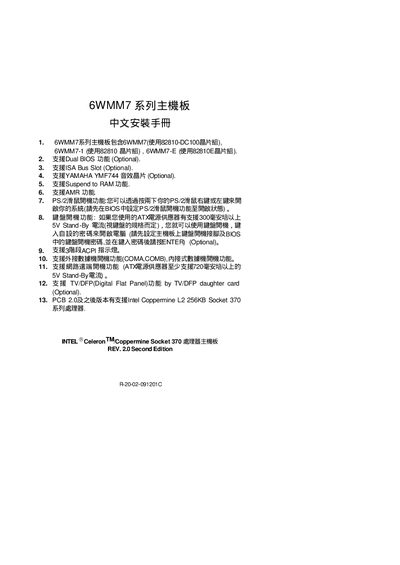
This guide provides instructions for installing the GA-6WMM7 motherboard, which is available in three variants (6WMM7, 6WMM7‑1, 6WMM7‑E) using the 82810‑DC100, 82810, or 82810E chipsets. It lists optional features such as Dual BIOS, ISA bus slot, Yamaha YMF744 audio, Suspend‑to‑RAM, AMR, and support for Intel Coppermine Socket 370 CPUs.
The document details quick‑install steps, CPU speed and multiplier settings via BIOS, jumper configurations (JP17‑JP20, GN, HD, etc.), and special functions like PS/2 keyboard power‑on and remote power‑on. A Declaration of Conformity at the end confirms compliance with EMC and safety standards. This manual is written in Chinese.
| Chipset (6WMM7) | 82810-DC100 |
|---|---|
| Chipset (6WMM7‑1) | 82810 |
| Chipset (6WMM7‑E) | 82810E |
| Dual BIOS | Optional |
| ISA Bus Slot | Optional |
| Audio Chip | YAMAHA YMF744 (Optional) |
| Supported CPUs | Intel Coppermine L2 256KB Socket 370 |
Set the PS/2 keyboard power‑on option in the BIOS, then press the right or left button on the PS/2 keyboard to start the system.
The quick‑install guide uses jumpers JP17‑JP20 (optional) for CPU/SDRAM settings and GN for the power‑saving function.