
Key facts
- Manuals
- 2
- Models
- 1
- Categories
- 1
- Languages
- ZH
- Last added
- 2012-03-23
6WMM7 models by category
Featured 6WMM7 manuals
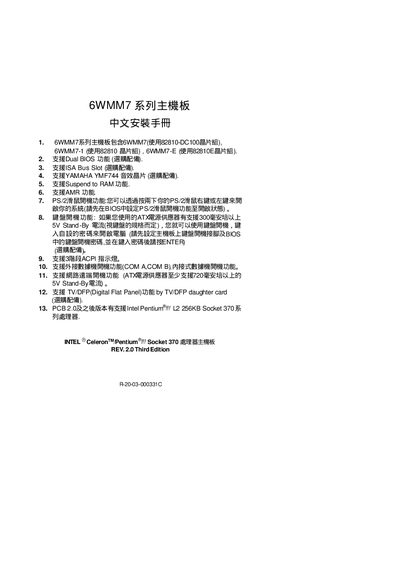
6WMM7 Series Motherboard Installation Guide
This guide provides step‑by‑step instructions for installing the 6WMM7 series motherboard, including CPU frequency configuration, jumper settings, and peripheral connections. It also explains BIOS features such as Dual BIOS, PS/2 power‑on, and Suspend to RAM.
Additional sections cover CMOS/RTC battery maintenance, IDE and ATAPI device installation, and troubleshooting tips for power LEDs, reset jumper usage, and speaker connections. This manual is written in Chinese.
Covers: Quick Installation Guide · CPU Frequency Settings · CMOS RTC and RAM · Peripheral Connectors · Reset Jumper Function · IDE/ATAPI Device Installation
Latest 6WMM7 manuals
6WMM7 series main-board Installation Guide
The 6WMM7 series motherboards are motherboards that support different chipsets and have a variety of optional features, such as Dual BIOS, ISA Bus Slot, YAMAHA YMF744 sound chip, etc. It also supports features like Suspend to RAM, AMR, PS/2 mouse power-on function, keyboard power-on function, 3-stage ACPI indicator, external modem power-on function, and network remote power-on function. In addition, it also supports TV/DFP function and Intel Coppermine L2 256KB Socket 370 series processors.
6WMM7 Series Motherboard Installation Guide
Installation Guide 66 pages · 1016 KB · ZHChinese installation guide for the 6WMM7 series motherboard covering setup, BIOS options, and hardware connections.
Which document do I need?
Installation Guide
Mounting, wiring and first power-up. Read it before the hardware goes in.
Questions answered in 6WMM7 manuals
How do I enable PS/2 keyboard power‑on?
Set the PS/2 power‑on option in the BIOS to enabled, then you can start the system using the PS/2 keyboard.
What does the Reset jumper do?
Shorting the Reset jumper forces a reset without turning off the power, allowing the system to restart immediately.