
This document introduces a smart home environment monitoring system based on physical sensors. The system adopts a distributed architecture, using wireless sensor networks to monitor indoor environmental parameters such as temperature, humidity, and light intensity in real time, and uploading data to the cloud server through a wireless network for storage and analysis. The system can achieve remote monitoring and management of indoor environments, and adjust the environment according to user needs for a comfortable and healthy living environment.
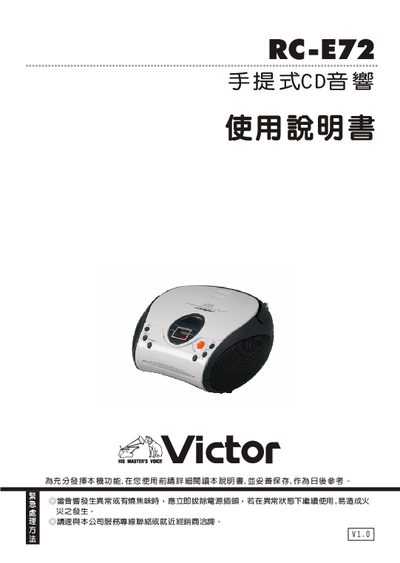
This manual covers the safety precautions, proper handling, and emergency procedures for the Victor RC‑E72 portable CD player. It explains the physical layout, part names, and how to install batteries or connect to AC power.
The guide also details how to operate CD playback, radio functions (AM, FM, FM stereo), adjust volume, use the headphone jack, and perform routine cleaning and troubleshooting. Warranty and service information are provided at the end. This manual is written in Chinese.
| Operating Temperature | 5‑35 °C |
|---|---|
| Power Source | 6 AA batteries (2.0 V) or AC adapter |
| Headphone Jack | Present |
| CD Track Capacity | Up to 20 tracks |
Open the battery compartment, remove the old cells, and insert six AA batteries following the polarity markings.