
This manual details the usage of P2-M3A3200/P4-M3A3200 ASUS PC (Desktop Barebone)
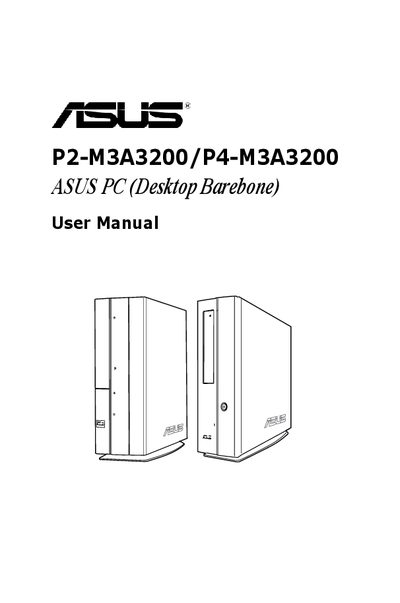
This guide provides detailed information for experienced users and system integrators on the ASUS P2-M3A3200/P4-M3A3200 barebone PC. It covers system features, front and rear panel descriptions, internal components, and motherboard layout.
The manual also explains BIOS setup procedures, safety precautions, FCC and Canadian compliance statements, and battery and laser product warnings, helping users safely install, configure, and maintain the system.
The warranty is not extended if the product is repaired, modified, or altered without ASUS written permission, or if the serial number is missing or defaced.
Select the "Exit & Discard Changes" option in the Exit menu and confirm the action to discard any changes made.