
This guide is intended to instruct on the installation and use of the ABB ABC-PDP PROFIBUS-DP gateway module.
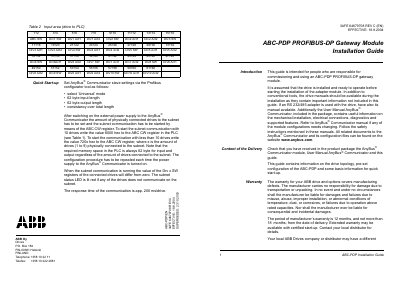
This guide is intended for personnel responsible for commissioning and using the ABB ABC‑PDP PROFIBUS‑DP gateway module. It assumes the drive is already installed and provides instructions for mechanical and electrical installation, safety, and required documentation such as the AnyBus™ Communicator manual.
The document details the module’s topology, wiring requirements, termination, communication settings (default 19200 bits/s, parity None), and data mapping between PLC and drives. It also includes quick‑start steps, warranty information, and references to related manuals for further configuration.
| Maximum number of drives per module | 10 |
|---|---|
| Default communication speed | 19200 bits/s |
| Default parity | None |
| PLC input length | 62 bytes |
| PLC output length | 62 bytes |
| Termination resistor value | 120 Ω |
Up to ten drives can be connected to a single ABC‑PDP module.
The default communication speed is 19200 bits/s.
The bus must be terminated with 120 Ω resistors at both ends.
Both the PLC input and output lengths are set to 62 bytes.