
This document describes the features and characteristics of Samsung television products, including support for VESA DPMS and DDC, compliance with ENERGY STAR standards, and features such as digital image engine and surround sound technology.
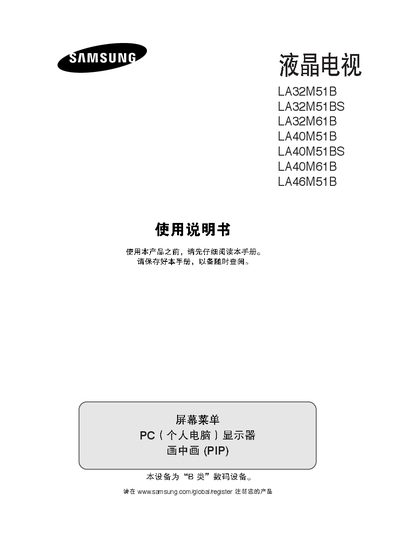
This manual provides safety information, installation steps, and operating instructions for Samsung LA series televisions, including models LA32M51B, LA32M51BS, LA32M61B, LA40M51B, LA40M51BS, LA40M61B, and LA46M51B. It covers proper handling, connection of external devices, remote control setup, and picture‑mode guidelines.
Key sections explain how to avoid screen burn‑in, adjust picture and audio settings, install wall‑mount brackets, and use features such as picture‑in‑picture, TruSurround XT, and Kensington lock. Service contact information is also provided. This manual is written in Chinese.
| VESA Compatibility | Supported |
|---|---|
| ENERGY STAR | Compliant |
Use the volume control on the remote or the panel; the volume can be increased or decreased via these controls.
The TV accepts AV1, AV2, S‑Video, component 1, component 2, PC, and HDMI inputs.
Contact Samsung service center at 800‑810‑5858 or 010‑6475‑1880.