
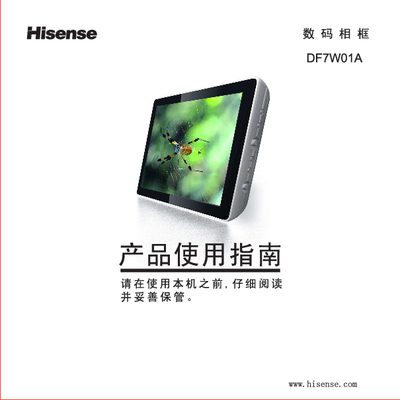
This manual explains how to set up and use the Hisense DF7W01A digital photo frame. It covers safety precautions, required accessories, power connection, and how to install the support bracket.
The guide details the functions of the device’s buttons, menu navigation, supported storage media, and provides troubleshooting steps for common issues such as power problems, audio playback, and menu responsiveness. This manual is written in Chinese.
| USB-1 interface | Connects to computer |
|---|---|
| USB-2 interface | Connects external storage devices (digital camera, USB flash drive, MP3) |
| Supported storage cards | SD/MMC and CF cards |
| Power input | DC connector for power adapter |
If the frame is loading an image, returning to the menu or other actions may take a short time, causing a delay.