
Hisense color TV user manual, introduces the characteristics and usage of the TV
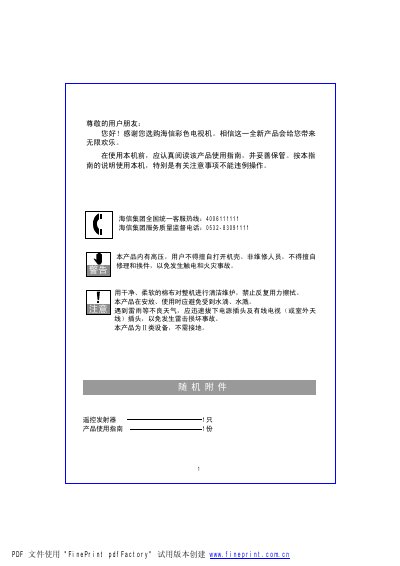
This manual covers safety precautions, proper handling, and maintenance of the Hisense HDP2908D color television. It explains how to avoid water damage, electrical hazards, and how to clean the screen safely.
The guide also details the TV’s main functions, remote‑control operation, connection of antennas and external video sources, and advanced features such as automatic channel search, mute, sleep timer, and picture adjustments. This manual is written in Chinese.
| Product Dimensions | 68 cm (approx.) |
|---|---|
| Model Number | HDP2908D |
Open the battery compartment, insert two 1.5 V AA alkaline batteries with the correct polarity, and close the cover.
Connect the device to the YPBPR terminal on the back of the TV, press the “Signal Source” key, and select “Component Input” mode.
Turn the TV on; the automatic channel search begins automatically and stores up to 200 channel sets.
Turn off the power, unplug the TV, check the antenna and cable connections, then contact a professional if the problem persists.