
This manual provides instructions for performing repairs inside a Dell Latitude computer. It includes steps for disassembling and assembling the notebook computer, and for replacing memory, hard drives, batteries, and other components.
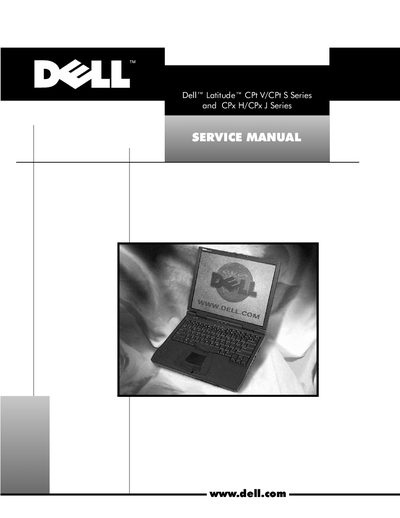
This manual provides detailed instructions for servicing Dell Latitude CPt V/CPt S and CPx H/CPx J Series laptops. It includes recommended tools, safety precautions, and step‑by‑step procedures for removing and replacing components such as hard‑disk drives, memory modules, keyboards, displays, and the system board.
Safety information is highlighted with NOTE, NOTICE, and CAUTION icons, and the guide emphasizes the need for basic PC knowledge and prior troubleshooting training before attempting repairs.
A basic knowledge of PCs and prior training in PC troubleshooting techniques are required.
NOTE indicates important information; NOTICE indicates potential damage; CAUTION indicates a potentially hazardous situation.