
This document introduces how to use SyncMaster 720XT/920XT monitor, including installation, cleaning and using precautions.
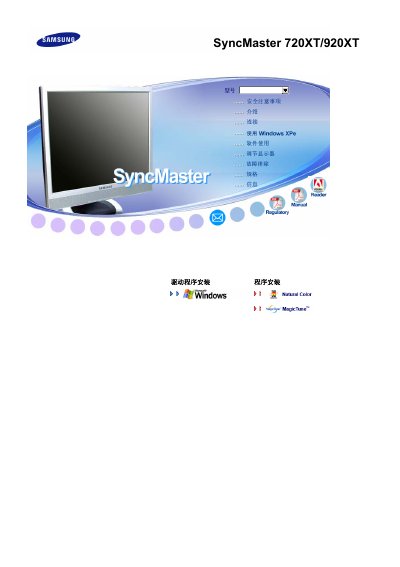
This manual covers safety warnings, proper installation, and handling of the SyncMaster 720XT/920XT LCD monitor. It explains how to connect power safely, install wall‑mount brackets, and use the MagicTune software.
The guide also details cleaning procedures, recommended viewing posture, and how to avoid image retention. Technical specifications such as screen size, resolution, and input signal levels are listed, along with warranty information and contact details for Samsung service centers. This manual is written in Chinese.
| Screen size (diagonal) | 17.0 inches (43 cm) |
|---|---|
| Display area | 33.792 cm (H) x 27.0336 cm (V) |
| Pixel pitch | 0.264 mm (H) x 0.264 mm (V) |
| Vertical frequency | 56–75 Hz |
| Color depth | 16.2 million colors |
| Maximum resolution | 1280 × 1024 @ 75 Hz |
| Recommended resolution | 1280 × 1024 @ 60 Hz |
| Input signal level (RGB) | 0.7 Vp‑p ± 5 % TTL |
| Maximum pixel clock | 140 MHz |
The manual advises keeping the eyes about 45 – 50 cm away from the screen.
Use a slightly damp soft‑fiber cloth with the recommended cleaning agent; avoid spraying detergents directly on the screen and never use chemicals like alcohol or solvents.