
This document provides installation, usage, and cleaning instructions for the SyncMaster 740NW / 940 NW monitor, including precautions to avoid electric shock, fire, and damage.
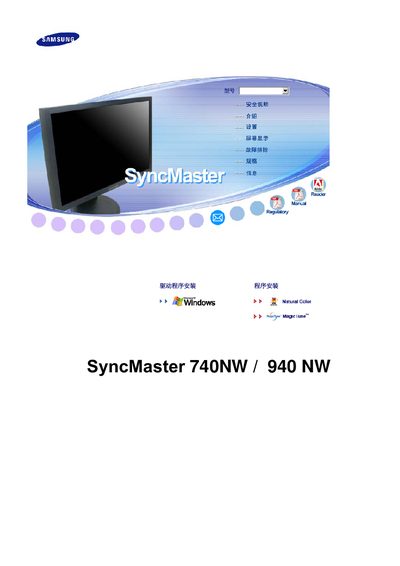
This manual covers safety precautions, proper installation, and handling of the SyncMaster 740NW/940NW LCD monitor. It explains how to avoid electrical hazards, correctly mount the unit, and maintain the display for reliable performance.
Detailed sections describe cleaning methods, recommended screen settings, VESA mounting instructions, driver installation, technical specifications, and warranty information, helping users get the most out of their monitor while preventing damage or injury. This manual is written in Chinese.
| Screen size (17‑inch) | 17 inches (43 cm) – 1280 × 720 |
|---|---|
| Screen size (19‑inch) | 19 inches (48 cm) – 1440 × 900 |
| Vertical refresh rate | 60 Hz |
| VESA mounting pattern | 75 mm × 75 mm |
| Pixel count | 2,764,800 pixels |
The 17‑inch model uses 1280 × 720 resolution, while the 19‑inch model uses 1440 × 900 resolution.