
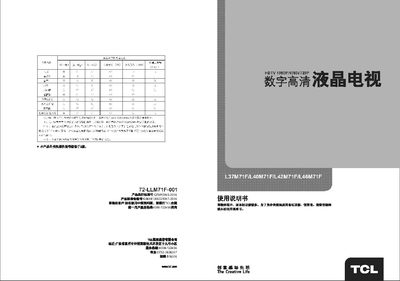
This manual covers the features and operation of the TCL L40M71F LCD television, including its HD-ready capabilities, VGA and HDMI inputs, and 3D YAC technology. It also provides installation instructions, safety warnings, and troubleshooting tips for common issues like no picture, no sound, or interference.
The TV supports various input sources including DVD players, game consoles, and computers, and includes a remote control with multiple function buttons for easy operation. This manual is written in Chinese.
| Display Technology | LCD |
|---|---|
| Audio Output | Stereo |
Connect your computer's VGA or HDMI cable to the corresponding input port on the TV.
Check the power supply, ensure the input source is correctly selected, and verify the cable connections.
Use the remote control to adjust brightness, contrast, and color settings as needed.