
This document is the operating instructions for RC-29 AH68-10352B, which provides information on how to use and maintain the product, as well as its specific specifications and safety warnings.
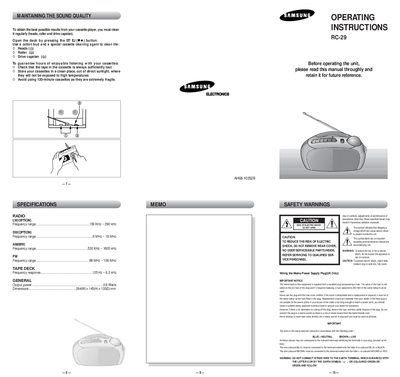
This manual explains how to maintain sound quality by regularly cleaning the heads, roller and capstan with a cotton bud and a special cleaning agent. It also covers basic operation such as selecting bands, tuning, playing, recording, and protecting recorded sides.
Safety warnings describe the risk of electric shock, the need to keep the rear cover sealed, proper wiring of the mains plug (UK only), and correct fuse replacement. The specifications section lists radio frequency ranges, tape deck frequency response, power consumption, and physical dimensions.
| Radio LW frequency range | 150 kHz – 290 kHz |
|---|---|
| Radio SW frequency range | 6 MHz – 18 MHz |
| Radio FM frequency range | 88 MHz – 108 MHz |
| Tape deck frequency response | 125 Hz – 6.3 kHz |
| Power consumption | 0.8 W |
| Dimensions | 264 mm W × 145 mm H × 135 mm D |
Use a cotton bud and a special cassette cleaning agent on the heads, roller, and drive capstan.
The unit uses a 6 V C‑size battery, but it will not operate from the internal batteries while the AC power cord is connected.
Break off the tab corresponding to the recorded side; this protects that side from being overwritten.