
This is an operating instruction manual printed by Sony Corporation in 2001, which introduces the usage and precautions of Sony WM-FX521 Walkman radio cassette player.
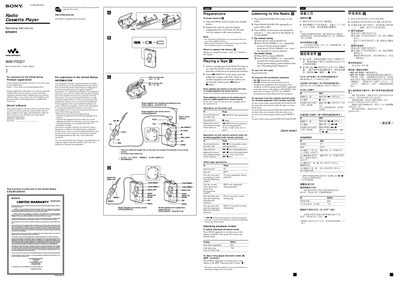
This manual covers the basic setup, registration, warranty, and safety information for the Sony WM-FX521 Walkman. It explains how to insert the AA battery, register the product online, and outlines the limited warranty terms and FCC compliance notes.
The guide details operation of the cassette player, remote control functions, radio tuning, presetting stations, and maintenance procedures such as cleaning the tape head and battery replacement. Technical specifications for radio frequency ranges, tape playback response, power requirements, dimensions, and accessories are also included.
| FM frequency range | 87.5 – 108 MHz |
|---|---|
| AM frequency range (North, Central, South America) | 530 – 1710 kHz |
| Tape playback frequency response | 40 – 15 000 Hz |
| Headphone jack load impedance | 8 – 300 Ω |
| Power requirement | 15 V |
| Battery type | One AA (size AA) dry battery |
| Dimensions (W × H × D) | ≈ 77.0 × 108.4 × 28.7 mm |
| Mass | ≈ 165 g |
You can register the product online at www.sony.com/productregistration.
Open the battery compartment, insert one AA dry battery with correct polarity, and replace it when the “—” symbol flashes on the display.