
This is the operating instructions of Sony WM-EX530 cassette player
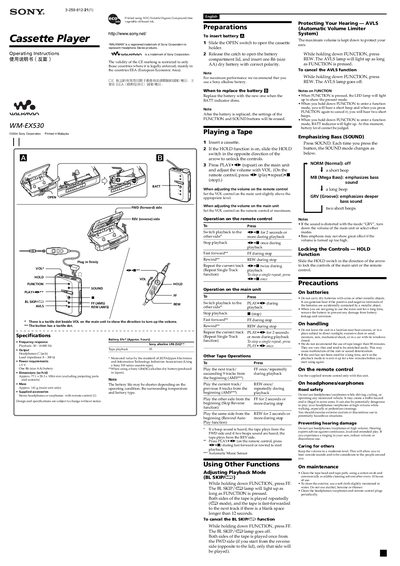
This manual provides step‑by‑step instructions for using the Sony WM‑EX530 Walkman. It explains how to insert batteries, load a cassette, operate the main unit and remote control, and use special functions such as repeat, automatic volume limiting, and bass‑enhancement modes.
Safety and maintenance guidelines are also included, covering battery handling, cleaning the tape head, and precautions for storage and use. The document lists the technical specifications and supplied accessories for quick reference.
| Frequency response | 30 – 18 000 Hz |
|---|---|
| Headphone output impedance | 8‑300 Ω |
| Power requirements | 15 V, one AA (R6) battery |
| Dimensions (W × H × D) | ≈ 77.1 × 28.3 × 108.6 mm |
| Mass | ≈ 141 g |
| Supplied accessories | Stereo headphones or earphones with remote control |
Replace the battery when the BATT indicator dims; after replacement the FUNCTION and SOUND settings are reset.
Hold down the FUNCTION button and press FE; the BL SKIP lamp will stay lit and both sides of the tape will be played repeatedly.