
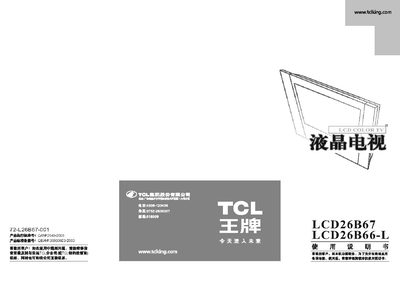
This manual covers safety precautions, product features, and detailed operating instructions for the TCL LCD26B67 LCD television. It includes guidance on power connection, antenna setup, remote control use, and picture adjustment.
Installation instructions for the base and mounting are provided, along with a full list of technical specifications such as power consumption, dimensions, and supported video/audio formats. This manual is written in Chinese.
| Working Voltage | 220 V~ |
|---|---|
| Power Consumption | 150 W |
| Screen Size (Diagonal) | 6 inches |
| Weight | 2 kg |
| Operating Temperature Range | -15 °C to 35 °C |
| Supported TV Standards | PAL, NTSC, SECAM |
| Audio Output | 10 kΩ, 0.5 W RMS |
Use the video input ports (e.g., D‑sub, HDMI) and connect the computer’s video output to the TV’s corresponding input.
The TV is designed to operate in environments from –15 °C to 35 °C.
Access the picture settings menu and use the contrast and brightness controls to fine‑tune the display.
Place the TV on a flat surface, align the base holes with the mounting points on the TV, and secure them with the supplied screws.