
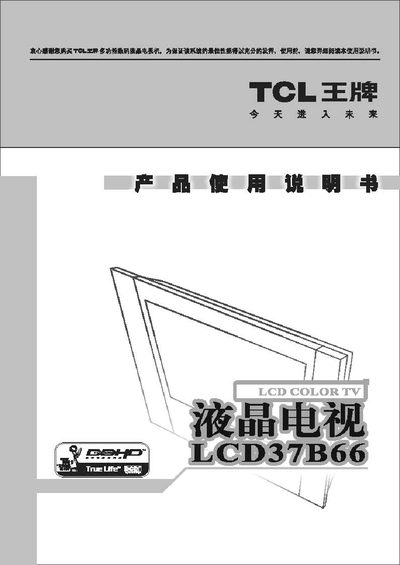
This manual introduces the TCL LCLCD37B66 liquid‑crystal television, highlighting its high‑resolution display, compact size, low power consumption and safety features. It guides users through basic operation, remote‑control functions, picture and audio adjustments, and connection options for antenna, cable, and external devices.
Safety precautions, installation steps, and maintenance advice are covered, including how to replace the remote‑control battery, connect the TV to a computer via DVI/VGA, and adjust picture settings such as brightness, contrast, and colour temperature. The final sections provide troubleshooting tips and contact information for TCL service centres. This manual is written in Chinese.
| Supported video resolutions | 480P, 576P, 720P |
|---|
Use the antenna/cable TV connection method described in the manual; connect the antenna cable to the TV’s antenna input as shown in the wiring diagram.