
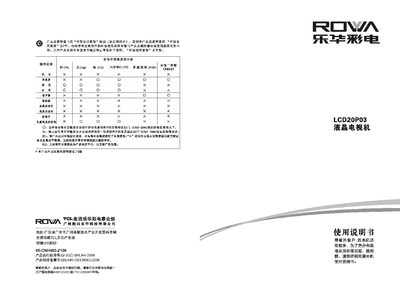
This manual provides instructions for the Lehua LCD20P03 LCD television, which features a high-resolution digital display and supports multiple input interfaces including AV, YPBPR, VGA, and TV. The device functions as both a television and a computer monitor, offering features such as automatic tuning, multiple sound modes, and various image settings like brightness and contrast adjustment. It supports multiple menu languages including Simplified Chinese, English, and others. This manual is written in Chinese.
| Environmental Use Period | 7 years |
|---|---|
| Supported Languages | Simplified Chinese, English, Russian, French, Spanish, Portuguese, Arabic |
| Input Interfaces | AV, YPBPR, VGA, TV, 5-pin |
| Screen Ratio Adjustment | 16:9 |
The environmental use period for the product and remote control is 7 years under normal usage conditions.
Yes, the TV has a VGA interface and can be used as a high-performance LCD computer monitor.
The TV will automatically enter standby mode if there is no signal for 15 minutes.