
This manual introduces the basic functions and usage methods of the Dell DJ™ device.
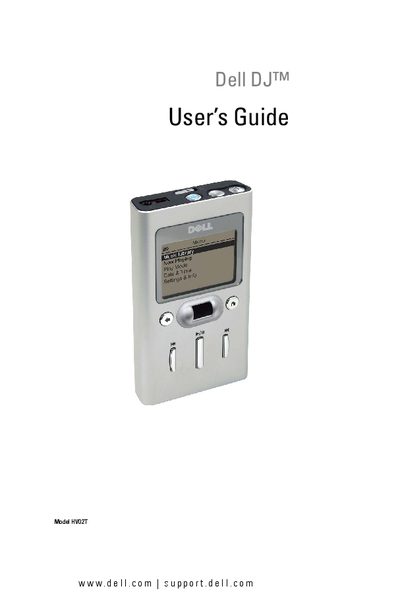
This guide provides detailed information on the Dell DJ HVO2T portable music player, including hardware layout, button functions, and how to connect the device to a computer for music transfer. It also covers software installation, using the Dell DJ Explorer, and managing music files on the device.
Additional sections cover troubleshooting, frequently asked questions, specifications, and a glossary of terms. The manual includes step‑by‑step instructions for charging, resetting, and using optional accessories such as the wired remote and cradle.
Press and hold the power button for 2 seconds to turn the device on or off.
Move the lock switch to the lock position; this disables the buttons until unlocked.
Press and hold the volume buttons to increase or decrease the volume.
Use the reset button as described in the "Performing a Reset" section of the guide.