
This is a user manual for the 42PD9800TA model television.
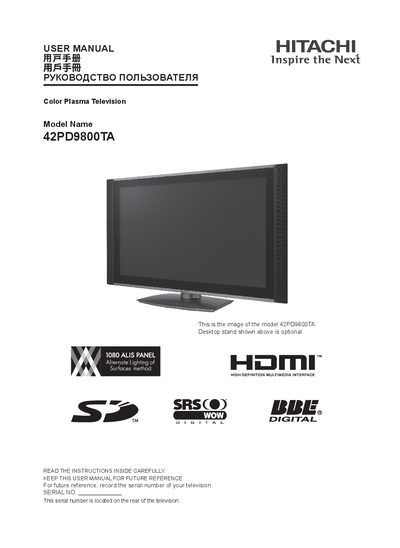
This user manual covers the Hitachi 42PD9800TA plasma television, including important safety information, serial‑number registration, and optional accessories such as the desktop stand. The manual also explains the high‑definition multimedia interface (HDMI) and the 1080i panel that delivers crisp picture quality.
Detailed sections guide the user through connecting AV inputs (AV1‑AV4, HDMI 1‑2), selecting video standards (PAL, NTSC, SECAM), and configuring picture settings. Installation tips, warranty information, and troubleshooting advice are also provided to help owners get the most out of their TV.
| Panel Type | 1080i |
|---|---|
| Desktop Stand | Optional accessory |
The serial number is located on the rear of the television.