
This document describes the features of the screen surface special coating, as well as the methods for cleaning and maintaining the screen. It also includes the characteristics and common phenomena of plasma TV.
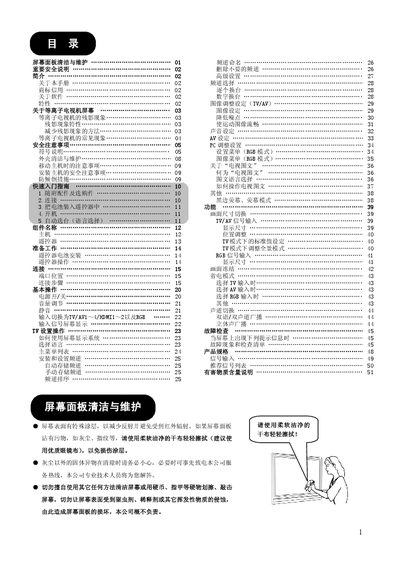
This user manual is for a Hitachi plasma television. It covers screen care, installation safety, supplied accessories, connections, remote-control setup, and basic TV operation.
It also explains channel tuning, picture and sound menus, RGB/PC adjustment, teletext, power-saving modes, troubleshooting, and product specifications. This manual is written in Chinese.
| HDMI ports | 2 |
|---|
Use a soft, clean, dry cloth to wipe the screen gently. Do not scratch it with hard objects or expose it to volatile substances.
Disconnect the main power, unplug the power cord, and contact your local dealer immediately.
Use the Screen Protection and Screen Wipe functions in the Function menu. Screen Protection slightly moves the image at selected intervals, while Screen Wipe uses a full-white signal.