
The document provides an introduction to the features and characteristics of a product from a certain brand.
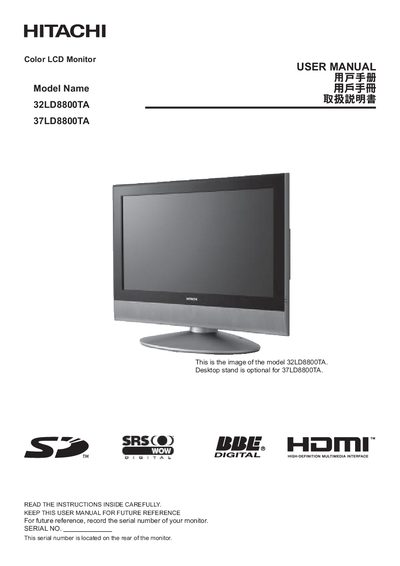
This user manual provides instructions for operating the Hitachi 32LD8800TA and 37LD8800TA color LCD monitors. It includes safety precautions, setup procedures, input signal switching (TV/AV, HDMI, RGB), and troubleshooting steps. The manual also details product specifications, recommended input sources, and maintenance guidelines to ensure safe and proper use.
The document is bilingual, with Japanese text and English headings. It emphasizes safety warnings, proper handling, and correct input configuration to avoid damage or injury. It also includes technical specifications for supported video formats and input modes. This manual is written in Japanese.
| Supported Video Formats | PAL, NTSC3.58, NTSC4.43, 576i, 480i, 720p/50, 1080i/50, 1080p/60 |
|---|---|
| Input Modes | TV, AV1, AV2, AV5, HDMI, RGB |
| Safety Warnings | Do not operate if damaged, wet, or exposed to water or foreign objects. |
Do not operate the monitor if damaged, wet, or exposed to water or foreign objects. Avoid placing heavy items on top of the monitor and ensure proper ventilation.
Switch between TV/AV, HDMI, and RGB inputs using the input selection buttons or on-screen display (OSD) menu.
Supported formats include PAL, NTSC3.58, NTSC4.43, 576i, 480i, 720p/50, 1080i/50, and 1080p/60.