
The Senbo European style powder color clock PY-Z904EL is a desktop clock with alarm function. It has 6 alarm sound effects to choose from, the clock has white and pink two colors, the size is W130XH51XD32 (mm), the weight is 107g, and requires two 4-number AAA batteries.
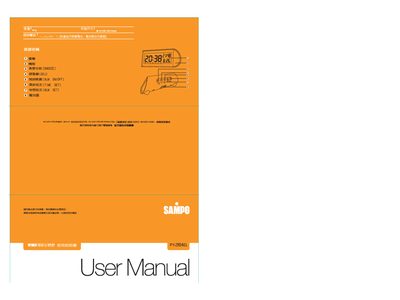
This manual explains how to operate the Sampo PY‑Z904EL, a digital clock with alarm and snooze functions. It covers the basic interface, LCD display, and safety precautions for normal use.
Detailed procedures are given for setting the time, date, and alarm, as well as configuring the snooze and selecting preset melodies. The document also describes how to cancel alarms and return to normal mode after inactivity. This manual is written in Chinese.
| Dimensions | 30 × 51 × 32 mm |
|---|
Press the TIME SET key, then use the ADJ key to adjust hours, minutes, year, month, and day in sequence, confirming each step.
Press the ALM SET key, then use the ADJ key to adjust the hour and minute, select a melody, and confirm with the ALM SET key.
When the alarm sounds, press the ISNOOZE key to enter snooze mode; the alarm will resume after the preset interval.
The device automatically returns to the normal display mode after one minute of inactivity.