
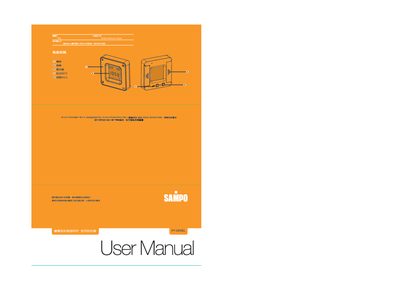
The PY‑Z805EL is a colorful time meter that displays time, date, day of week, alarm, countdown and temperature. It offers four backlight colors—blue, red, green and amber—automatically changing with each mode. The device covers the years 2000‑2099 and supports 12‑hour or 24‑hour display.
The manual describes how to enter each mode using the SET key, adjust values with the ADJ key, and start/stop functions. It also provides safety notes, such as not opening the case yourself and contacting the service center for repairs. This manual is written in Japanese.
| Date range | 2000‑2099 |
|---|---|
| Countdown timer maximum | 99 min 59 sec |
| Temperature measurement range | -10 °C to 50 °C |
| High temperature alarm threshold | 48 °C (100 °F) |
Enter the countdown mode, then use the ADJ key to set the desired time up to 99 min 59 sec; press SET to start or stop the timer.
In each mode the backlight changes automatically, and you can press the ADJ key to cycle through the available colors.
The low‑temperature alarm activates below –8 °C (15 °F) and the high‑temperature alarm activates above 48 °C (100 °F).
Press the SET key to enter time mode, then use the ADJ key to adjust hour, minute, month, day, and year; press SET again to confirm.