
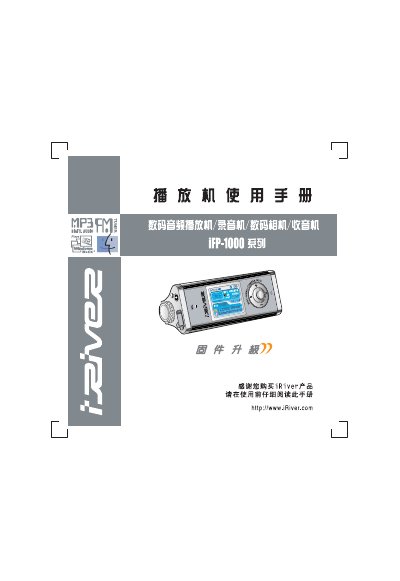
This manual introduces the iRiver iFP-1000 portable MP3 player, covering safety notices, FCC compliance, and basic hardware installation. It explains how to connect the device to a PC, charge the battery, and use the built‑in FM radio and equalizer settings.
The guide also details the player’s unique features such as multi‑format audio support, a 260,000‑color LTPS LCD, customizable playlists, and firmware upgrade procedures. Battery handling, charging methods, and troubleshooting tips are included to help users get the most out of the device. This manual is written in Chinese.
| Storage Capacity | 256 MB / 512 MB |
|---|---|
| Dimensions | 391 mm × 34 mm × 31.3 mm (W × H × D) |
| Weight | 659 g (including battery) |
| Battery Type | Rechargeable battery |
| Audio Frequency Range | 20 Hz – 20 kHz |
| Headphone Output | 12 mW + 12 mW (20 Ω) max |
| Supported Audio Formats | MP3, WMA, OGG, ASF |
| Maximum Playback Time | ≈20 hours at 128 kbps MP3 |
| FM Radio Frequency Range | 87.5 MHz – 108 MHz |
Connect the player to a PC with the USB data cable or use the supplied AC adapter; charging also works while the device is turned off. Do not use non‑iRiver adapters.
Press the indicated spot and slide the battery to the right to remove it; to install, push the battery left until it locks into place.
The device complies with FCC Part 15, Class B digital device limits, meaning it must not cause harmful interference and must accept any interference it receives.