
The document introduces the features and characteristics of iRiver entertainment devices, including FM tuner, sound effect settings, etc.
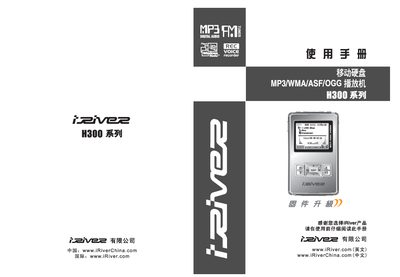
This manual introduces the iRiver H300 series portable hard‑disk MP3 player, covering safety warnings, package contents, basic operation, menu navigation, and advanced features such as FM radio, recording, and USB host mode. It also provides detailed specifications, FCC/CE compliance information, and warranty notes.
The guide includes step‑by‑step instructions for charging, connecting to a computer, managing music files, and troubleshooting common issues like no sound, battery problems, and data transfer errors. This manual is written in Chinese.
| File system | FAT32 |
|---|---|
| Supported operating systems | Windows 98 SE/ME/2000/XP, Mac |
| USB interface | USB 1.1 (host) / USB 2.0 (device) |
| Frequency response | 20 Hz – 20 kHz |
| Signal‑to‑noise ratio | 50 dB |
| FM radio frequency range | 87.5 MHz – 108 MHz |
| Playback time (MP3, 128 kbps) | ≈ 16 hours |
| Operating temperature | -5 °C to +40 °C |
Check that the volume is not set to zero, verify that the headphones or line‑control cable are properly connected, make sure the lock (Hold) key is off, and clean the headphone jack if needed.
Connect the player to the computer with the supplied USB cable, ensure the USB line is correctly attached, and then use the computer’s file manager or the provided software to copy files. Close other applications that might access the USB port during transfer.
Use only the included power adapter, connect it to a suitable power outlet, and let the device charge until the battery indicator shows full. Disconnect the adapter after charging to avoid damage.
Connect the power adapter to the player and a proper outlet to charge the battery. If the device still does not power up, check that the adapter is correctly plugged in and that the battery contacts are clean.