
This file is an MP3 player manual, which contains MP3, WMA, OGG, MP3 recording, playback function
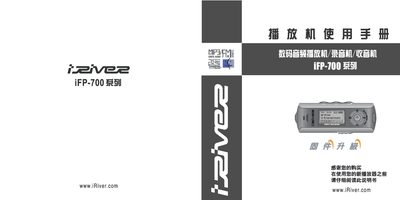
This manual covers the iRiver iFP-700 series portable audio player, describing its key functions such as playback of MP3, WMA, OGG and ASF files, FM radio reception, and customizable audio settings. It also explains how to install AA 1.5 V batteries, connect the device to a computer via USB, and update firmware.
Detailed sections guide users through the control layout, battery replacement, supported storage capacities, and troubleshooting common issues. The document includes specifications for audio frequency response, output power, and supported bitrates, helping users get the most out of their iFP-700 player.
| Supported audio formats | MP3, WMA, OGG, ASF |
|---|---|
| USB interface | USB 2.0 (iFP-780 supports USB 1.1) |
| Frequency response | 20 Hz – 20 kHz |
| Bitrate range | 8 kbps – 320 kbps |
| Output power | 18 mW (15 Ω) |
| Maximum storage capacity | Up to 512 MB |
It supports MP3, WMA, OGG and ASF formats.
Connect the player via the USB port; iFP-780 uses USB 2.0 while other models use USB 1.1.
The device reproduces audio from 20 Hz to 20 kHz.