
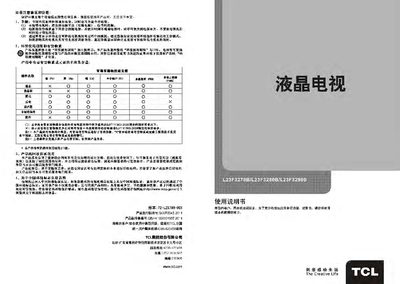
This User Manual covers the TCL L23F3270B, L23F3280B and L23F3290B televisions. Its listed sections include safety warnings and precautions, packing list, functions and features, technical specifications, appearance and connection instructions, remote control instructions, basic operations, menu functions, USB functions and troubleshooting.
The text lists television functions such as Chinese and English menus, remote control operation, automatic and manual channel tuning, AV, YPBPR, VGA and HDMI interfaces, SDTV and HDTV support, 15-minute auto standby with no TV signal, USB media functions, timer on/off, intelligent volume control and multiple sound modes. It also lists computer display functions, including automatic size adjustment and centering, computer audio input, VGA and HDMI interfaces, and support for multiple computer display formats. This manual is written in Chinese.
| Working voltage | 220V~ 50Hz |
|---|---|
| Rated power consumption | 30W |
| Screen diagonal size | about 58 cm |
| Main unit dimensions | 567 x 369 x 48 mm |
| Main unit weight | about 3.1 kg |
| Display languages | Chinese, English |
| Video interfaces | AV, YPBPR, VGA and HDMI |
| Auto standby | 15 minutes without signal in TV mode |
| USB media | Movies, music and pictures |
The manual covers the TCL L23F3270B, L23F3280B and L23F3290B televisions.
The manual lists AV video, YPBPR component, VGA computer and digital HDMI interfaces.
The manual lists a multimedia USB interface for movies, music and pictures.
Open the battery compartment on the back of the remote, insert two batteries according to the marked polarity, and close the compartment.