
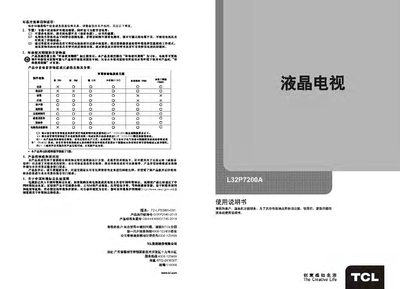
The manual begins with safety warnings, environmental protection advice, and recycling instructions, emphasizing proper power use, avoiding blockage of ventilation, and handling of hazardous substances. It also outlines the product’s environmental certification and the company’s after‑sales support contact information.
Subsequent sections cover the TV’s main functions, external connections, remote‑control operation, basic power on/off, menu navigation, signal source selection, smart‑app interface, network settings, and detailed troubleshooting with FAQs. Technical specifications of the unit are listed at the end of the document. This manual is written in Chinese.
| Screen diagonal size | ≈80 cm |
|---|---|
| Rated power consumption | 70 W |
| Operating voltage | 220 V ~ 50 Hz |
| Audio output power | 5 W ~ 45 W |
| Dimensions (W×H×D) with stand | 760.3 mm × 524.5 mm × 185 mm |
| Weight (with stand) | ≈9.2 kg |
| Supported TV standards | PAL DK, I, BG; AV: NTSC358, NTSC443, PAL |
Some hard drives draw too much power, causing insufficient supply; use only one drive or replace it with a low‑power model.
Yes, it supports external subtitle files such as SRT, and subtitles are displayed by default in Chinese.
Exit the main interface or the download manager before removing the device to avoid damage.