
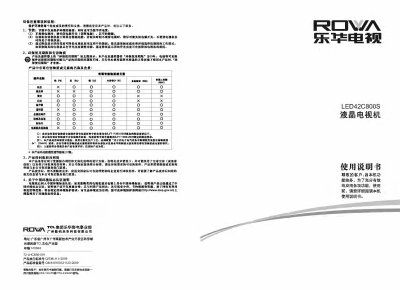
This manual begins with safety and environmental information, advising users to turn off the power when the TV is not in use, lower screen brightness, and follow recycling procedures. It also explains the product’s environmental certifications and the company’s commitment to RoHS compliance.
The later sections cover installation, remote‑control operation, menu navigation, network and smart‑app settings, as well as detailed technical specifications and troubleshooting steps for common issues such as no picture or no sound. This manual is written in Chinese.
| Power Consumption (Rated) | 130W |
|---|---|
| Audio Output Power | BW+8W |
| Working Voltage | 220V‑50Hz |
| Screen Diagonal | ≈107 cm |
| Operating Temperature | 20 °C – 80 °C |
| Storage Temperature | -15 °C – 45 °C |
Lower the screen brightness, use a low‑energy work mode, and turn off the power switch when the TV is not being watched.
Do not disconnect the power and do not use the remote control while the upgrade is in progress; wait until the process finishes.
Check that the power is on, verify the signal source, and ensure the antenna or cable connections are correct.