
This document is a user manual that introduces the functions, features, installation and connection, remote control instructions, basic settings, smart platform, audio and video applications, my assistant, and 3D application of TCL brand's L40V8200-3D, L32E5300A/L37E5300A/L42E5300A/L46E5300A, L32E5300A-3D/L37E5300A-3D, L42E5300A-3D/L46E5300A-3D, L43V7300A-3D/L46V7300A-3D/L55V7300A-3D, L42Z11A-3D/L46Z11A-3D, L43F3390A-3D/L48F3390A-3D/L55F3390A-3D series LCD TVs.
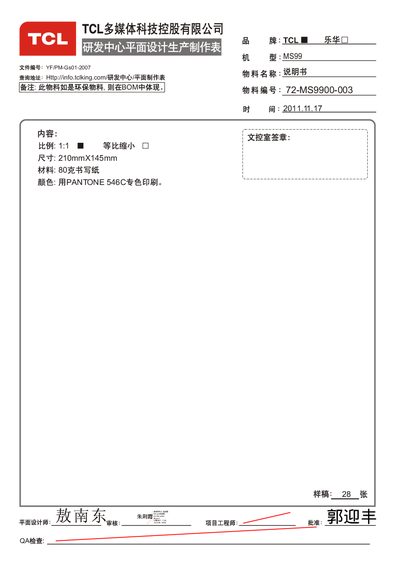
The manual explains how to safely install and operate TCL LCD televisions, covering safety precautions, product features, installation, remote control usage, and network configuration. Detailed sections guide users through connecting external devices, setting up CAM cards, and using the built‑in Android smart TV platform.
Additional chapters address common issues, software upgrades, and environmental considerations, offering troubleshooting steps, technical specifications, and recycling information to help users maintain their TV over its service life. This manual is written in Chinese.
| 工作电压 | 220V~50Hz (部分机型 100-240V~50/60Hz) |
|---|---|
| 工作温度 | 5°C–35°C |
| 存储温度 | -15°C–45°C |
| 接收频道 | 470MHz 全频道有线电视 |
Currently only title search is supported, not director name search.
Green download indicates the TV continues downloading while in standby mode.
The file may have errors from compression, copying, or downloading, causing playback to stop.