
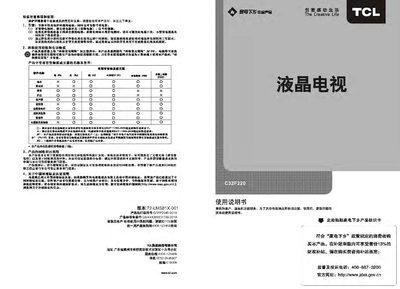
This manual explains how to install, operate, and maintain the TCL C32F220 liquid‑crystal television. It covers safety warnings, connection diagrams, remote‑control functions, and detailed menu navigation for picture and sound settings.
Additional sections describe USB media playback, supported file formats, energy‑saving tips, and a troubleshooting guide for common image or audio issues. This manual is written in Chinese.
| Working voltage | 220V‑50Hz |
|---|---|
| Rated power consumption | 80W |
| Audio output power | 8W (left + right) |
| Screen diagonal | ≈80 cm |
| Weight | ≈7.2 kg |
| Operating temperature | 20 °C – 80 °C |
If the TV will not be used for a long time, unplug the power plug; you can also press the power button to enter standby and then switch off the main power.
Press the “Source” key on the remote or the panel to switch between TV, AV, HDMI, VGA, and other inputs.
The TV can play JPEG, BMP, PNG images; MP3, WMA audio; and video formats such as RM, RMVB, XVID, MPEG‑4, MPEG‑2, etc.
Enter the menu, select the “Backlight” option, and use the left/right keys to increase or decrease the backlight level.