
No
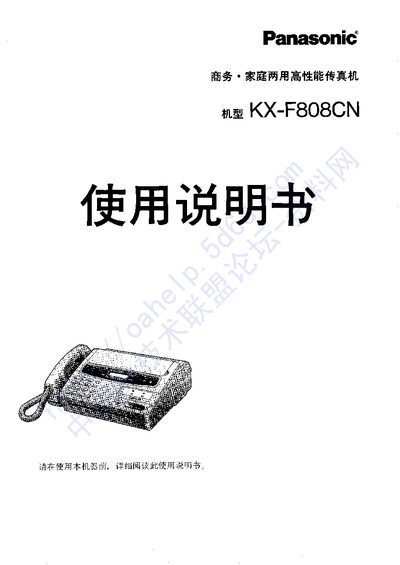
This manual covers everything needed to set up and use the Panasonic KX-F808CN fax machine, including installation of record paper, connection of telephone lines, and configuration of receive modes. Detailed step‑by‑step procedures guide users through basic operations such as sending and receiving faxes, using the built‑in copy function, and accessing advanced features like the paper‑saving "spam mail" mode.
Additional sections describe how to adjust display settings, store phone numbers, and perform routine maintenance. Troubleshooting tips and error messages help resolve common issues, while safety notices ensure proper handling of the device. This manual is written in Chinese.
Insert the record paper with the glossy side up, make sure the roll is not loose and remove any glue or tape residue before loading.
Set the "spam mail" paper‑saving function in the menu as described in the manual.