
This document is the user manual of Panasonic DLPTM projector, which introduces the features and characteristics of PT-D5700U/PT-D5700UL/PT-DW5100U/PT-DW5100UL models.
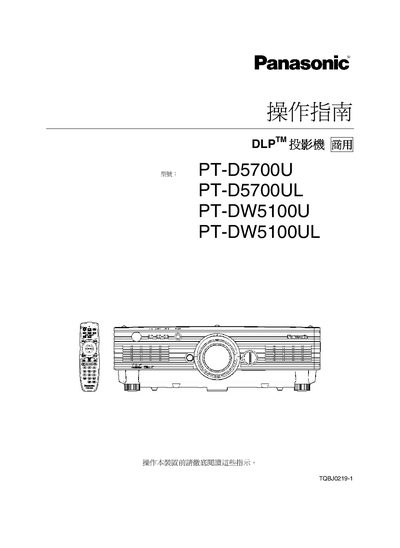
This manual provides essential safety warnings and precautions for the PT‑D5700U, PT‑D5700UL, PT‑DW5100U and PT‑DW5100UL DLP projectors, including fire‑hazard and electric‑shock risks, proper grounding, and handling of the mercury‑type lamp.
It also covers installation steps, wiring (RS‑232C, HDMI, PJLink), lens adjustment, lamp replacement, cleaning procedures, and recommended ventilation clearances to ensure reliable operation. This manual is written in Chinese.
| Power connector type | Grounded three‑prong |
|---|---|
| Minimum ventilation clearance | 50 cm (19.7 in) |
| Dimensions (width) | 478.5 mm (18.8 in) |
The manual warns of fire and electric‑shock hazards, requires the grounded three‑prong power plug, and instructs users not to expose the unit to rain, water, or improper ventilation.
Allow the projector to cool for at least 30 minutes, remove the power plug, wear protective gloves, and follow the lamp‑replacement procedure described in the cleaning section.