
This is an operating manual for a remote control microphone. It mainly introduces the functions and use of the product.
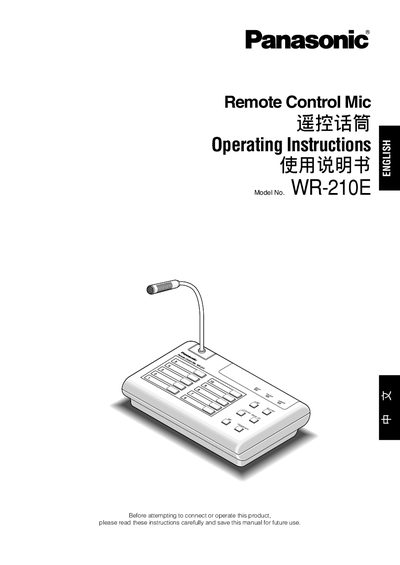
The Panasonic WR‑210E Remote Control Mic is a desktop‑type public‑address microphone system that supports up to 10 individual channels and priority announcements. It operates from a 24 V DC power source and can be connected to emergency or business PA systems via line and record outputs.
The manual details front‑panel and rear‑panel controls, wiring recommendations, cable connections, priority assignment, volume adjustment, and safety precautions. It also provides troubleshooting steps and a list of accessories.
| Power Supply | 24 V DC |
|---|---|
| Operating Temperature Range | -10 °C to +50 °C |
| Maximum Humidity | 95 % (non‑condensing) |
| Number of Channels | Up to 10 |
| Maximum Wire Length | 50 m (for recommended wire) |
The unit must be powered by a 24 V DC supply.
The system supports up to ten individual channels.
Press the All Call switch, wait a second or more, then speak to make the announcement.