
This manual is a user manual for the Canon imageCLASS MF269dw multifunction printer, which introduces the product's features, characteristics, installation and use methods, common problem handling and other information.
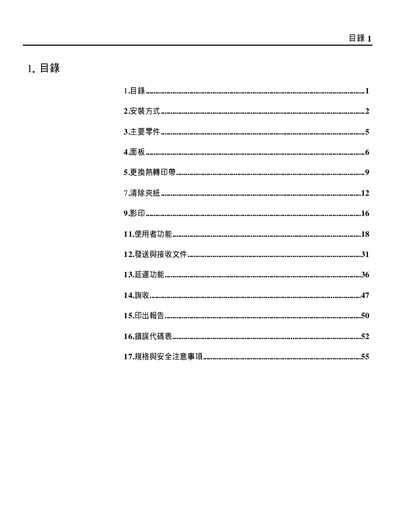
This guide explains how to connect the handset, telephone line, and AC power to the fax machine, and how to power it on. It also describes the panel layout, key functions, and how to replace the thermal print belt.
The document includes detailed safety notes, required clearances around the unit, and technical specifications such as power requirements, dimensions, and transmission speed. This manual is written in Chinese.
| Power requirement | 110V, 60Hz |
|---|---|
| Maximum power consumption | 135W |
| Dimensions (W × H × D) | 328 mm × 194 mm × 263 mm |
| Weight | 3.7 kg |
| Memory capacity | 512 KB |
| Paper size | A4 (210 mm × 297 mm) |
| Resolution (fine mode) | 203 × 196 LPI |
| Resolution (standard mode) | 203 × 98 LPI |
| Page transmission time | ≈ 29 seconds |
Insert one end of the handset cable into the handset socket on the main unit, and insert one end of the telephone line into the LINE socket; the other ends go to the modular telephone socket.