
Key facts
- Manuals
- 7
- Categories
- 1
- Languages
- ZH · JA
- Last added
- 2012-03-28
Featured 传真机 manuals
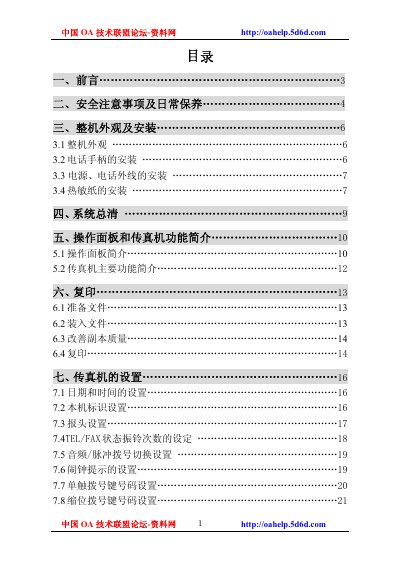
Fax Machine User Manual
The document begins with safety precautions and handling guidelines, followed by detailed installation instructions for the handset, power source and external connections. It then describes the operation panel, TEL/FAX functions and basic usage steps.
Later sections cover troubleshooting procedures, cleaning recommendations, and a full list of technical specifications such as power requirements, dimensions and environmental limits. Accessories and warranty information are also included. This manual is written in Chinese.
Covers: 安全注意事項 · 安装 · 操作面板 · TEL/FAX 状态 · 故障排除 · 规格
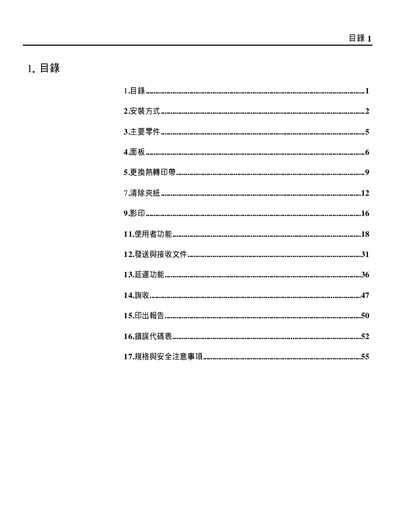
Fax Installation Guide
This guide explains how to connect the handset, telephone line, and AC power to the fax machine, and how to power it on. It also describes the panel layout, key functions, and how to replace the thermal print belt.
The document includes detailed safety notes, required clearances around the unit, and technical specifications such as power requirements, dimensions, and transmission speed. This manual is written in Chinese.
Covers: Installation Method · Main Components · Panel · Replace Thermal Print Belt · Clear Paper · Image
Xerox PC-1762 Installation Guide
The manual provides step‑by‑step instructions for installing the Network FAX driver, Address Book, and Scanner File Utility from the supplied CD‑ROM. It also describes the required operating system versions and network interface settings.
Additional sections cover sending and receiving fax over LAN, using the address book for group mailing, and detailed specifications of the Network FAX functions such as resolution, file formats, and automatic redial. This manual is written in Japanese.
Covers: Installation · Network FAX Overview · Utilities · Sending Fax · Receiving Fax · Address Book
Slerex SF-335T Fax Machine User Manual
This manual begins with important safety information, covering fire, electric shock, and proper handling precautions for the fax machine. It explains how to disconnect power and telephone lines before cleaning or servicing, and warns against using the device in humid or unstable locations.
Subsequent sections describe the control panel layout, basic functions such as sending, receiving, copying, and using the automatic answer mode, as well as model‑specific features like the USB interface (SF‑331P) and tone dialing. Installation steps, configuration settings, and routine maintenance procedures are also covered. This manual is written in Chinese.
Covers: Safety Information · Installation and Setup · Settings and Copy · Functions Overview · Control Panel Description · Operation Instructions
Latest 传真机 manuals
Fax Manual(4)
The CJT CALLER ID FAX J-311 C is a product of the CJT brand. It is a fax machine with caller ID and a keypad. It also has a function for selecting and checking the RXD mode, as well as fine flash and function buttons.
Fax Manual(3)
J-311 is a telephone product produced by CJT
Fax Manual(2)
This is a product manual that introduces the features of the J-311S copier.
Fax Machine User Manual
User Manual 37 pages · 780 KB · ZHThis manual provides safety, installation, operation, troubleshooting and specification information for a fax machine.
Fax Installation Guide
Installation Guide 56 pages · 251 KB · ZHInstallation guide for setting up a fax machine, covering wiring, power, panel functions, and safety specifications.
Xerox PC-1762 Installation Guide
Installation Guide 46 pages · 1.2 MB · JAThis guide explains how to install and configure the Network FAX feature on the Xerox PC-1762 fax machine.
Slerex SF-335T Fax Machine User Manual
User Manual 56 pages · 1.5 MB · ZHThe Slerex SF-335T fax machine user manual provides safety guidelines, setup, operation, and maintenance instructions.
Which document do I need?
User Manual
Day-to-day operation, settings and troubleshooting. Start here if the product is already set up.
Installation Guide
Mounting, wiring and first power-up. Read it before the hardware goes in.
Questions answered in 传真机 manuals
What voltage and frequency should be used for the fax machine?
Connect the device to a 220 V AC power source at 50 Hz.
From: Fax Machine User Manual
How should the machine be cleaned?
Use a dry cloth or natural cleaning agent; do not apply cleaning agents directly to the machine.
From: Fax Machine User Manual
How should the handset and telephone line be connected?
Insert one end of the handset cable into the handset socket on the main unit, and insert one end of the telephone line into the LINE socket; the other ends go to the modular telephone socket.
From: Fax Installation Guide
How can I export address book entries?
Open the Address Book dialog, choose File → Save As, specify a file name and location, and click Save to export the entries.
In which file formats are sent and received images stored on the PC?
Images are saved as PF files or multi‑page TIFF files using the Scanner File Utility.
How should I disconnect the fax machine before cleaning?
Unplug the fax machine from the wall AC power outlet and the telephone jack before cleaning.