
This document introduces the use of network pressure transmitter communication protocol, baud rate, communication format, transmission standard, checksum, etc.
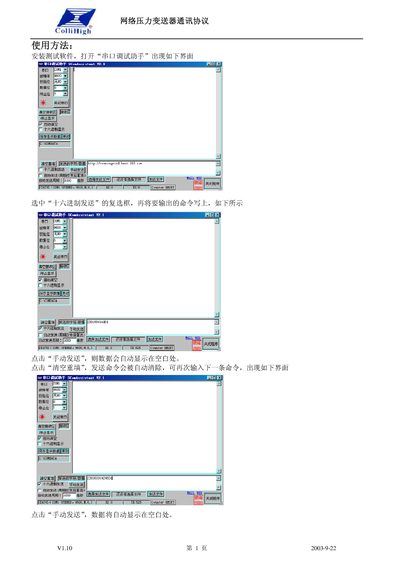
The document explains how to install the test software, select the hexadecimal send mode, and manually transmit commands to the transmitter. It shows the user interface of the serial debugging tool and the steps to send and clear commands.
It then details the communication elements such as baud‑rate options, data format, transmission standards, address range, delimiters, checksum calculation and the full list of commands for reading, writing and controlling the device, including error response handling. This manual is written in Chinese.
| Baud Rate Options | 2400, 4800, 9600, 19200 (default 9600) |
|---|---|
| Communication Format | 10‑bit asynchronous, 1 start bit, 8 data bits, no parity, 1 stop bit |
| Transmission Standard | RS‑232/485 |
| Address Range | 00‑99 (ASCII 0x30‑0x39) |
| Checksum Range | 0x60‑0x6F (single byte) |
| Command Delimiters | # $ % & * ! ? |
Send the command "#
99The valid delimiters are #, $, %, &, *, ! and ?.
Send "&
99