
This document is a quick start guide for the EZ-KIT Lite evaluation system, providing instructions for software installation and hardware setup.
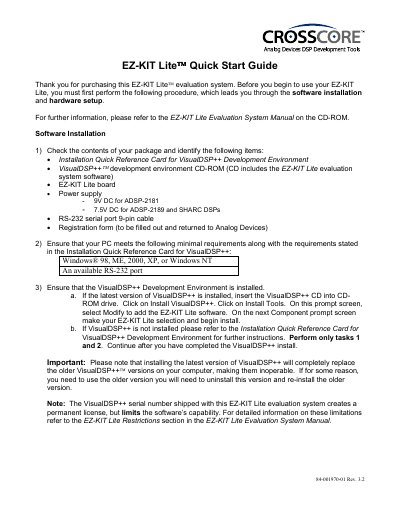
This quick start guide describes software installation and hardware setup for the Analog Devices EZ-KIT Lite evaluation system for the ADSP-218x DSP family. It lists package contents, PC requirements, VisualDSP++ installation steps, and board connection steps.
The guide also explains how to create and activate a VisualDSP++ session for the EZ-KIT Lite target and where to find example programs. The EZ-KIT Lite board carries a one-year limited warranty against defects in materials and workmanship.
| Power supply | 9V DC for ADSP-2181; 7.5V DC for ADSP-2189 and SHARC DSPs |
|---|---|
| Minimum PC operating system | Windows 98, ME, 2000, XP, or Windows NT |
| Required PC port | Available RS-232 port |
| Warranty | One year from date of purchase |
The package should include the installation quick reference card, VisualDSP++ CD-ROM, EZ-KIT Lite board, power supply, RS-232 serial port 9-pin cable, and registration form.
Run VisualDSP++, create or select a session, choose EZ-KIT Lite (ADSP-218x) in Debug target, select ADSP-2189 or ADSP-2181, then activate the session.
They are located on the hard drive in the VisualDSP\processor_family\EZ-KITs\processor\Examples subdirectory.