
This manual details the use of the Intelligent Building Visual Intercom Splitter, including the functions of each button, system wiring, and wiring terminal instructions.
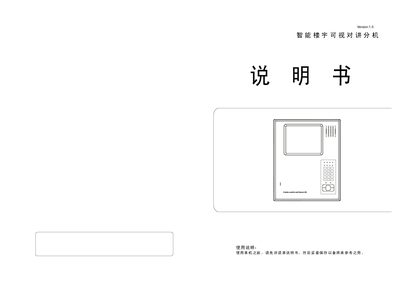
The video intercom extension is a wall‑mounted unit with a display, speaker, numeric keypad, status LEDs and optional buttons for image storage, alarm and time setting. It connects to the main system via a set of wiring terminals for power, video, audio, control and call signals.
The device supports functions such as status indication, monitoring, calling the management center, three‑way conversation, unlocking, automatic and manual shutdown, brightness/contrast adjustment, volume control, emergency alarm, short‑circuit protection, power‑loss memory and probe power supply. Detailed procedures for password reset, arming zones and handling alarms are also included. This manual is written in Chinese.
| Power supply voltage | 18 V+ |
|---|---|
| Ground connection | GND |
| Number of control lines | 4 |
| Probe supply voltage | +12 V |
| Probe supply current | 300 nA |
| Automatic shutdown timer | 30 seconds |
| Maximum call duration before auto‑shutdown | 90 seconds |
Press and hold the “#” key for 5 seconds; after a long beep, release the key and the password resets to the default “2000”.
The device plays a voice prompt saying the line is busy and asks you to try again later.
Turn the brightness adjustment knob to increase or decrease the image brightness.