
This product is an intelligent building video intercom sub-machine, which has functions such as monitoring, calling, unlocking, emergency calling, three-party calling, and internal calling.
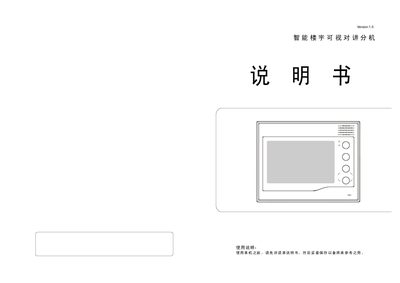
The document explains how to install and connect the video intercom extension, including wiring diagrams, terminal assignments, and connection notes. It also describes the basic operation of monitoring, calling, and three‑way communication functions.
Additional sections cover automatic power‑off timing, unlock control, contrast/brightness adjustment, room number configuration, and music selection features, with step‑by‑step instructions for each function. This manual is written in Chinese.
| Automatic shutdown after call (no answer) | ≈30 seconds |
|---|---|
| Automatic shutdown after answer | ≈100 seconds |
| Default room number (factory setting) | 1111 |
Press the SOS button; the extension immediately sends its number to the management center while keeping its current state unchanged.