
This document is an instruction manual for the use of intelligent building visual intercom extension. The document introduces the appearance diagram and wiring instructions of the extension, as well as various functions and operation methods of the extension, such as monitoring, calling the management center, emergency call, three-way call, being called, and internal call. It also introduces the unlocking function, contrast/brightness adjustment function, and room number setting method of the extension. The document also provides instructions for the timing automatic shutdown function of the extension.
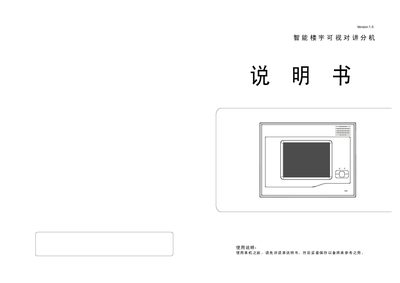
The document provides detailed instructions for installing and using the video intercom extension. It covers wiring diagrams, button functions, and how to interact with the management center, including monitoring, call handling, SOS, three‑way calls, and internal line calls.
Additional sections describe automatic shutdown timing, unlock operation, contrast/brightness adjustment, room‑number configuration, and music selection, with step‑by‑step key sequences and audible feedback cues. This manual is written in Chinese.
| Automatic shutdown (no handset) | ≈30 s |
|---|---|
| Automatic shutdown (handset lifted) | ≈100 s |
| Default room number | 1111 |
The unit immediately sends its own number to the management center.
While the unit is monitoring the main unit or in a call, press the unlock key; the main lock will open.