
This document is a user manual for the intelligent building visual intercom extension. It introduces the functions of various buttons on the extension, the wiring terminal instructions, and the system status indicator function. It also provides functions such as calling the management center, calling internal extension, monitoring, calling, being called, and unlocking. In addition, it provides instructions for adjusting the color, brightness, and ringtone volume.
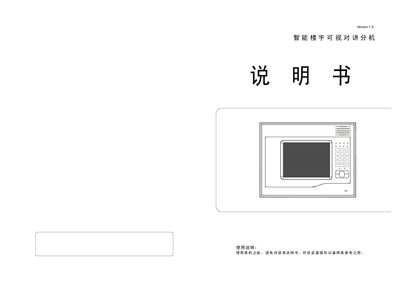
The document explains how to install and connect the video intercom extension, including detailed wiring diagrams, terminal descriptions, and matching switch functions. It also describes the device’s status indicators, monitoring, calling, and lock control features.
Additional sections cover automatic switching, timed shutdown, information extraction, brightness and color adjustment, as well as alarm handling for fire and intrusion zones. Password and room‑number settings, as well as power‑loss memory retention, are also detailed. This manual is written in Chinese.
| Rated output current | 300mA |
|---|---|
| Video impedance matching | Enabled |
When an alarm occurs, the corresponding zone indicator light flashes quickly and an alarm sound is emitted until the zone is disarmed.
The device retains the set password, room number, alarm status, and other settings after power is restored.