
Philips SNR6500 wireless router user manual, introduces the characteristics and features of the product, installation method, connection method, security settings, etc
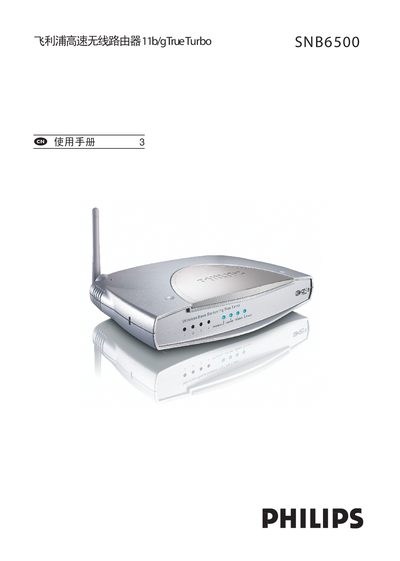
The Philips SNB6500 is a high‑speed wireless router that supports IEEE 802.11b/g Wi‑Fi and offers four 10/100 Mbps Ethernet ports for wired networking. It includes features such as DHCP, NAT, PPPoE, and VPN support for flexible internet connectivity.
This manual guides users through hardware installation, initial setup, wireless configuration, network settings (LAN, WAN, DHCP, DNS), security options, and troubleshooting steps, including how to reset the device and interpret status LEDs.
| Wi‑Fi standard | 802.11b/g |
|---|---|
| Maximum wireless data rate | 108 Mbps |
| Radio frequency | 2.4 GHz |
| Number of wireless channels | 13 (Europe) |
Press the reset button labeled “Reset” on the back of the router (see the “Reset” label in the manual).
The router supports IEEE 802.11b and 802.11g wireless standards.
The device can achieve up to 108 Mbps wireless data rate.