
This file is the user manual of SPM4600 laser mouse
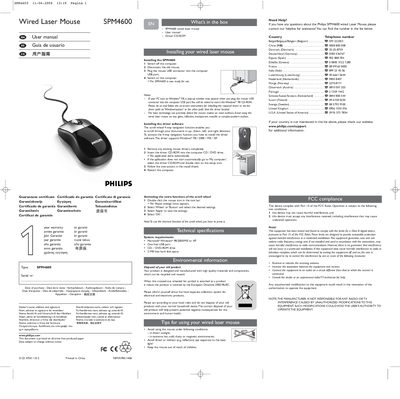
This manual provides step‑by‑step instructions for installing the Philips SPM4600 wired laser mouse, including hardware connection, driver CD‑ROM installation, and activation of the 4‑way scroll wheel functions. It also covers system requirements, environmental disposal guidelines, and safety warnings for the Class 1M laser.
Additional sections give contact information for technical support, FCC/CC compliance notes, and detailed technical specifications such as supported operating systems, laser output power, wavelength range, and operating temperature limits.
| Supported Operating Systems | Windows 98 / 2000 / ME / XP |
|---|---|
| USB Port Requirement | One free USB port |
| CD‑/DVD‑ROM Drive | Required for driver installation |
| Hard Disk Space | 2 MB free |
| Wavelength Range | 106 nm – 850 nm |
| Operating Temperature | 0 °C – 40 °C |
Turn off the computer, disconnect the old mouse, plug the USB connector of the SPM4600 into a free USB port, then turn the computer back on.
The driver works with Microsoft Windows 98, 2000, ME, and XP.
A PC running Windows 98/2000/ME/XP, one free USB port, a CD/DVD‑ROM drive, and at least 2 MB of free hard‑disk space.