
This manual introduces the product features and usage methods of SPT1000 keyboard and mouse set.
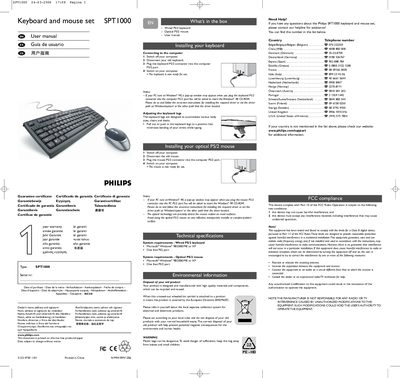
This manual explains how to install and connect the Philips SPT1000 wired PS/2 keyboard and optical PS/2 mouse, including driver notes for Windows 98 and instructions for adjusting the keyboard legs for ergonomic use. It also lists the system requirements, environmental disposal instructions, and FCC compliance details.
Warranty, support contact numbers for various countries, and guidance on proper disposal of the product are included, along with safety warnings and regulatory compliance information.
| Keyboard connector type | PS/2 |
|---|---|
| Mouse connector type | PS/2 |
| Supported operating systems | Microsoft® Windows® 98/2000/ME or XP |
| Required free ports | One PS/2 port |
Turn off the computer, disconnect the old keyboard, plug the keyboard PS/2 connector into the computer PS/2 port, then switch the computer back on.
The devices work with Microsoft® Windows® 98, 2000, ME, or XP.
Insert the Windows 98 CD‑ROM and follow the on‑screen instructions to install the required driver or set the driver path to Windows\system.